Contact vs Contactless CAC Readers Explained
CAC reader types have gotten complicated with all the terminology and compatibility issues flying around.
How Contact Readers Work
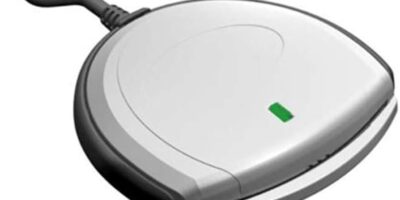
Contact readers require you to insert your CAC into a slot. Gold contacts on the card touch metal pins inside the reader, creating a direct electrical connection that transmits data between your card’s chip and your computer.
Common contact readers:
- SCR3310v2 (most widely issued)
- Identiv SCR3500
- HID Omnikey 3121
- ACS ACR38U
How Contactless Readers Work
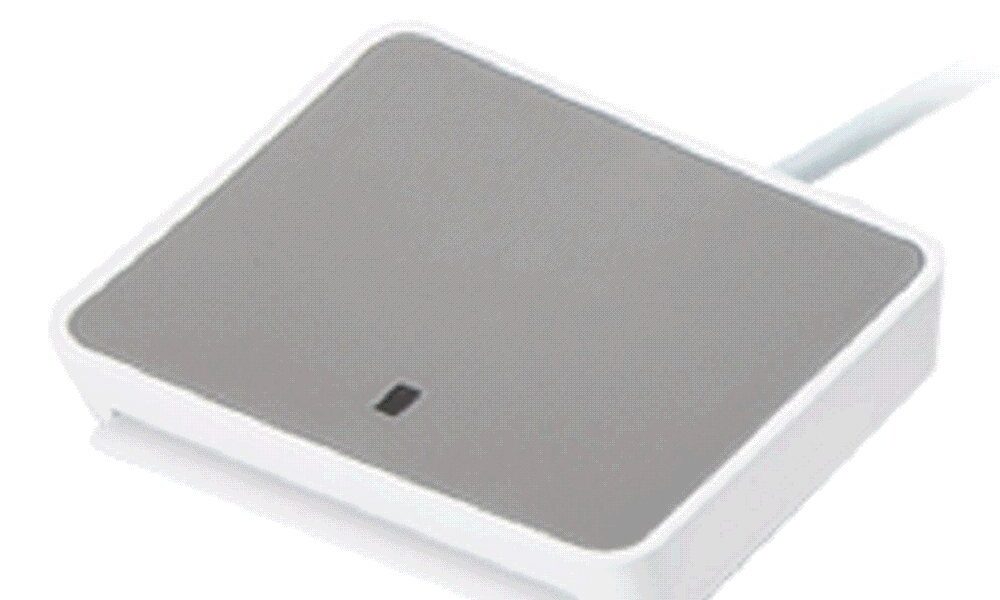
Contactless readers use radio frequency technology to communicate with your card without physical contact. You tap or hold your CAC near the reader, and it reads through electromagnetic induction.
Common contactless readers:
- HID Omnikey 5427 CK
- Identiv uTrust 3700 F
- ACS ACR1252U
When Contact Readers Are Required
Probably should have led with this section, honestly. Contact readers handle:
- PKI Authentication: Logging into DoD websites, signing documents, email encryption—all read certificates from the contact chip
- Government computers: Standard NIPR and SIPR workstations expect contact reader authentication
- VPN connections: Remote access requires contact-based certificate authentication
- Digital signatures: Signing documents with your CAC requires the contact interface
When Contactless Readers Are Used
Contactless readers handle physical access:
- Building entry: Door systems and turnstiles read the contactless chip
- Security checkpoints: Quick badge verification where speed matters
- Cafeteria systems: Some installations use contactless CAC for payments
- Time tracking: Clock-in systems at certain facilities
Dual-Interface Readers
Some readers support both types in one device—useful if you need both capabilities without switching hardware.
Popular dual-interface options:
- HID Omnikey 5422 (contact + contactless)
- Identiv uTrust 4701 F Dual
- ACS ACR1281
What Most People Actually Need
That’s what makes this decision endearing to us IT support folks—people overcomplicate it. For typical DoD employees working on computers, a contact reader is essential. You need it for:
- Logging into your government computer
- Accessing OWA and DoD websites
- Signing and encrypting email
- Remote VPN access
- Any PKI-based authentication
Contactless readers alone won’t work for these tasks—PKI certificates live on the contact chip, not the contactless chip.
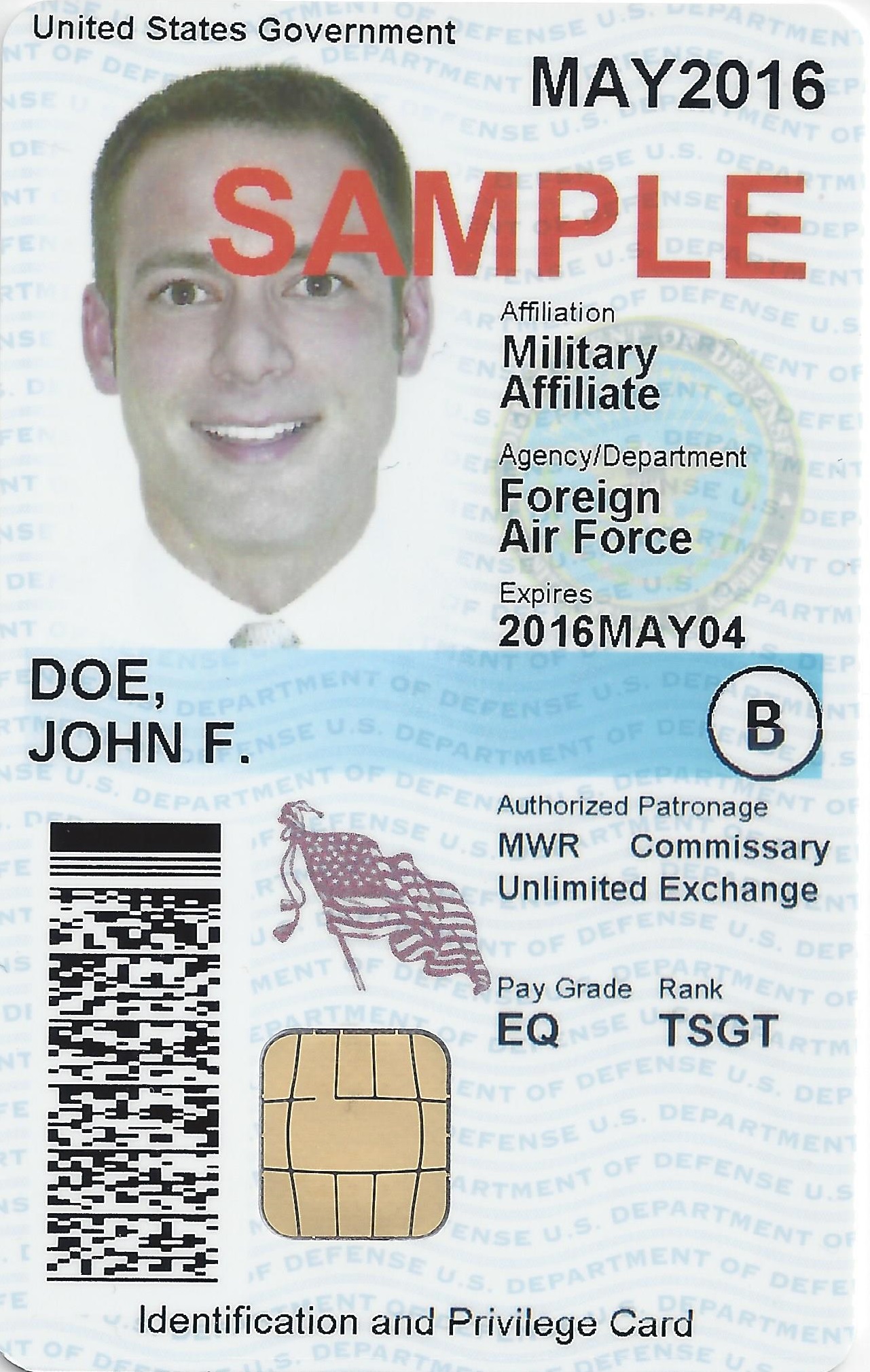
Your CAC Has Two Separate Chips
Understanding this explains everything:
- Contact chip (gold square): Stores PKI certificates, handles digital signatures and computer authentication
- Contactless chip (hidden inside): Contains a unique identifier for physical access only—cannot perform cryptographic operations
These chips don’t share data. A contactless reader cannot access your certificates; a contact reader cannot open building doors.
Troubleshooting by Type
Contact reader issues:
- Check for dirty or damaged card contacts
- Clean the reader slot with compressed air
- Verify correct chip orientation when inserting
- Confirm drivers are installed for your reader model
Contactless reader issues:
- Hold the card within 1-2 inches of the reader
- Remove thick wallets that may block RF signals
- Check for interference from other smart cards
- Verify the system actually uses contactless authentication
Buying Recommendations
Home/remote work: Get a contact reader like the SCR3310v2 or HID Omnikey 3121 for standard DoD authentication.
Mobile workers: Choose a compact USB contact reader that travels easily, like the Identiv SCR3500 A.
IT administrators: Dual-interface readers provide flexibility for testing and supporting various user needs.

Subscribe for Updates
Get the latest cac readers.com updates delivered to your inbox.
We respect your privacy. Unsubscribe anytime.