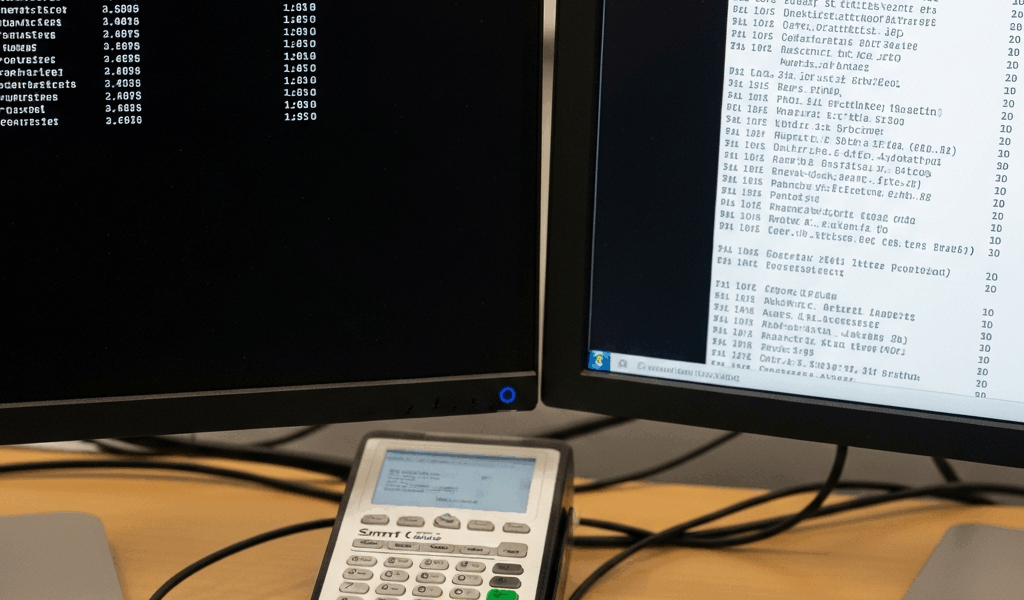
“Not recognized” needs a precise meaning. If Windows cannot detect the reader, start with device detection. If Windows lists it but a CAC application cannot use it, investigate that application’s approved setup instead of deleting every reader driver.
Check Windows first
In Device Manager, look under Smart card readers and record the device status and exact model. Microsoft documents Scan for hardware changes when the reader is missing. Confirm the manufacturer’s requirements for that reader, rather than assuming a generic USB entry proves full smart-card support.
If the reader is present
Record the application, Windows version and exact error. Microsoft’s troubleshooting guide includes the read-only certutil.exe -scinfo diagnostic to list available smart-card certificates; a PIN is not required for that listing. Use it only where your organization permits diagnostics, and keep certificate details within approved support channels.
A targeted support request
- Reader make and model.
- Whether Device Manager detects it and reports an error.
- Whether the problem affects one application or several.
- The exact error and when it started.
Ask IT to confirm the required reader software or middleware for the managed environment. Blanket uninstall-and-delete instructions can disrupt an otherwise working setup and are not a universal fix.
Reference: Microsoft smart-card troubleshooting.



Subscribe for Updates
Get the latest cac readers.com updates delivered to your inbox.
We respect your privacy. Unsubscribe anytime.