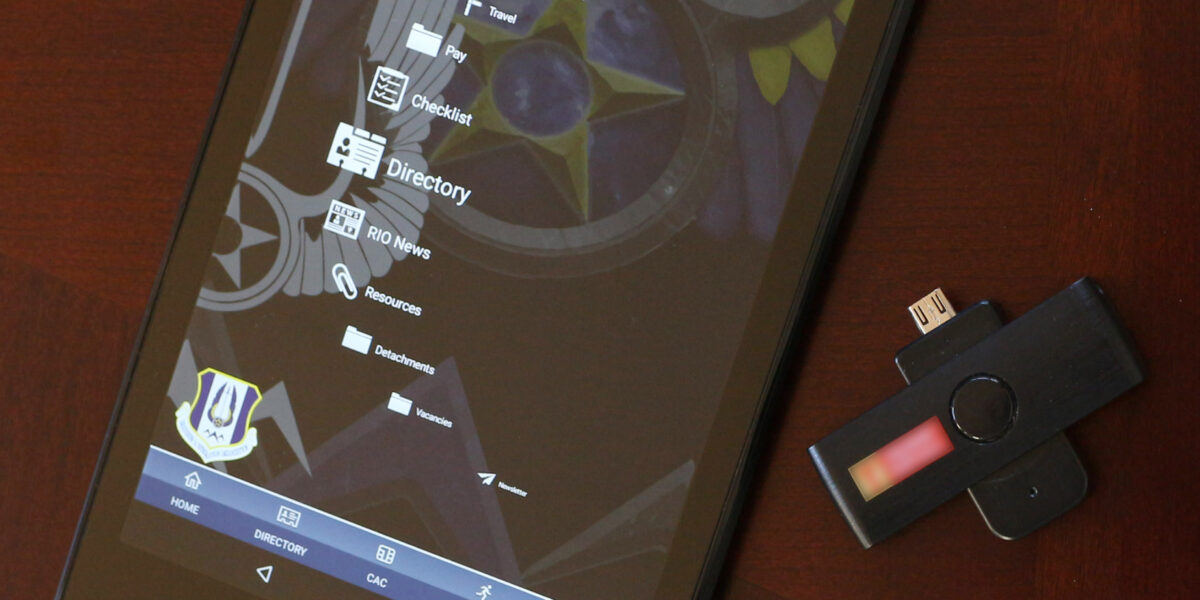
CAC reader cable length has gotten complicated with all the conflicting advice flying around. As someone who’s set up hundreds of CAC workstations across multiple installations, I learned everything there is to know about how cable length actually impacts your reader’s performance. Today, I will share it all with you.
Does Cable Length Really Matter?
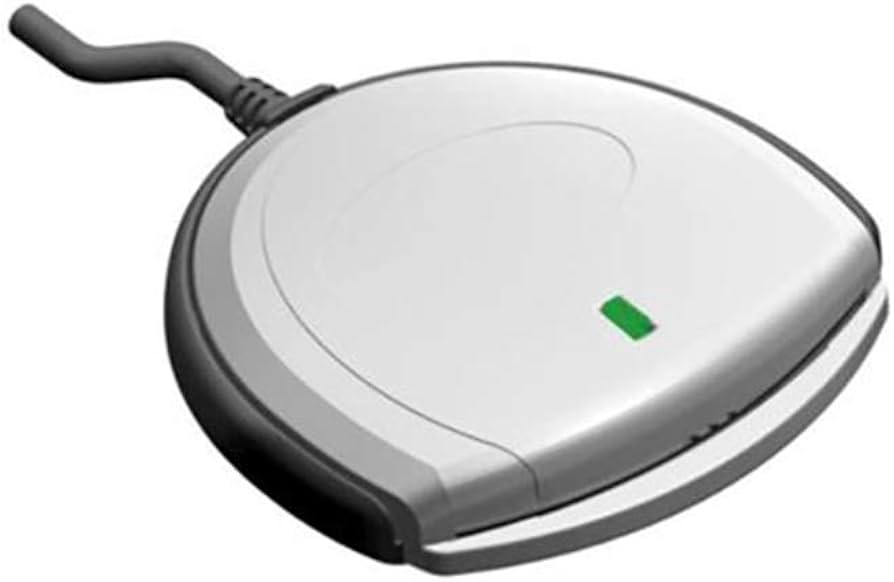
Short answer: yes, but probably not for the reason you think. USB 2.0 — which is what most CAC readers use — has a maximum cable length of about 5 meters (roughly 16 feet) before signal degradation starts causing problems. Your typical desktop reader ships with a 4-5 foot cable, so you’re well within spec right out of the box.
Where cable length actually bites people is when they start daisy-chaining USB hubs or running extension cables to reach a reader that’s on the other side of the desk. Each connection point adds a tiny bit of resistance and potential signal loss. I’ve troubleshot more “reader not detected” issues caused by cheap USB extension cables than I can count.
The Real-World Impact
That’s what makes understanding cable specs endearing to us IT folks — it saves hours of troubleshooting when you know where to look first.
Here’s what actually happens with longer cables or extensions. The authentication handshake between your CAC and the reader gets slower. On a standard 4-foot cable direct to your computer, that handshake takes milliseconds. Run a 10-foot extension through a passive USB hub and suddenly you’re waiting 2-3 seconds, or the reader drops the connection entirely mid-authentication. Nothing like getting booted off a DoD portal because your USB cable was too long.
I had one office where everyone complained their readers were slow. Turned out someone had routed all the USB cables through a cable management tray that added about 8 extra feet to each run, plus they were bundled next to power cables which introduced interference. Cleaned that up and every reader worked fine.
What to Do About It
Probably should have led with this section, honestly. Keep your cable runs as short as possible. If you need more length, use a powered USB hub rather than a passive extension cable. Powered hubs regenerate the signal, which eliminates most length-related issues.
Avoid running USB cables parallel to power cables or near other sources of electromagnetic interference. Keep connections clean — a dusty or corroded USB port causes more problems than an extra foot of cable ever will. And if you’re using a portable reader with a short built-in cable, that’s actually an advantage here. Less cable means less opportunity for signal loss.
Quick Cable Length Guidelines
Under 6 feet direct to computer: you’re golden, don’t worry about it. Between 6 and 10 feet: should work but use a quality cable, not a dollar-store special. Over 10 feet: use a powered USB hub or active extension cable. Over 16 feet: you need an active repeater or you’re going to have a bad time. And if your setup requires more than 16 feet of cable to reach a reader, it might be time to rethink where that reader is positioned.
Bottom line: most people will never have cable length issues with a standard CAC reader setup. But if you’re dealing with a stubborn reader that won’t connect or keeps dropping, check your cable situation before you blame the hardware.

Subscribe for Updates
Get the latest articles delivered to your inbox.
We respect your privacy. Unsubscribe anytime.