Optimal Smart Card Access
Optimal smart card access has gotten complicated with all the conflicting protocols and compliance requirements out there. As someone who’s managed CAC access systems across multiple installations, I learned everything there is to know about getting these systems to work efficiently. Today, I will share it all with you.
Understanding Smart Cards
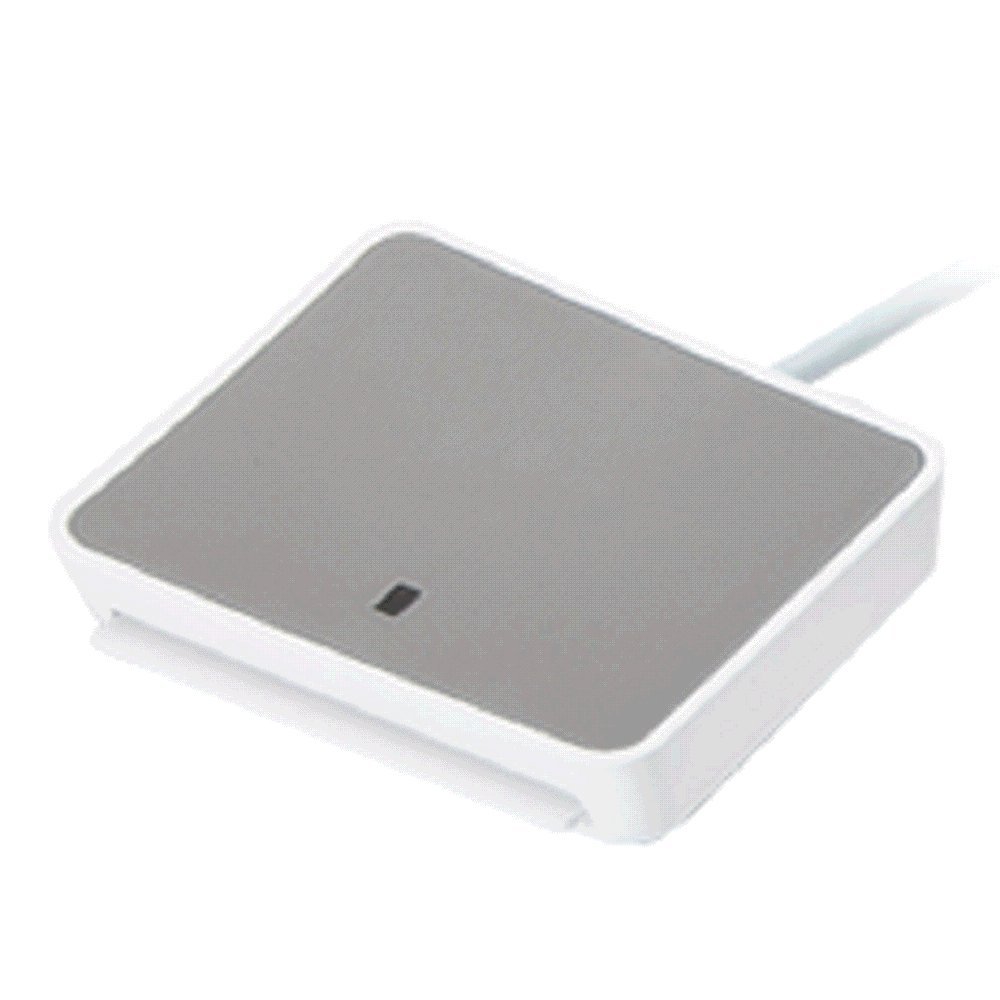
Smart cards have an embedded chip that processes data and communicates with a card reader. Your CAC is a smart card — way more sophisticated than those old magnetic stripe cards that stopped working if you looked at them wrong.
Contact smart cards (like CACs) need to be inserted into a reader. Contactless cards use RFID and just need to be near the reader. Each type has its place, but for DoD applications, contact cards provide better security.
Choosing the Right Smart Card
That’s what makes smart card selection endearing to us military members who’ve learned through trial and error. Contact smart cards work best for high-security applications like accessing classified systems. Contactless cards excel in situations where speed matters — think gate access during morning rush hour at any installation.
Consider three things: security level needed, how often you’ll use it, and where you’ll use it. A card that works great in an air-conditioned office might fail in a vehicle that sits in the sun all day.
Enhancing Security Features
Probably should have led with this section, honestly. Modern CACs use encryption for all data transmission. Public Key Infrastructure (PKI) authenticates both the user and the system they’re accessing. Some newer systems add biometric verification like fingerprints for an extra security layer.
Keep your card’s firmware updated — yes, CACs have firmware that can be updated. Use strong cryptographic algorithms and establish clear policies about who gets cards and how they’re used.
Streamlining Access Management
Distributing cards is the easy part. Managing who has access to what requires an identity and access management (IAM) system. IAM centralizes control so you’re not manually updating permissions across dozens of systems.
Smart integration saves headaches. Link your CAC system with your HR database, and when someone PCSs or separates, their access automatically gets revoked. No more worrying about former employees still having building access.
Ensuring Compatibility and Scalability
Your new smart card system needs to work with existing infrastructure. Use standard protocols like ISO/IEC 7816 for contact cards and ISO/IEC 14443 for contactless. These standards ensure different manufacturers’ equipment can work together.
Plan for growth. Your battalion might have 500 people now, but what about after the next unit stand-up? Design systems that can scale without requiring a complete rebuild.
User Training and Education
Users will break things in ways you never imagined possible. Regular training sessions address common problems and reduce support calls. Teach proper card handling — don’t bend it, don’t leave it in hot vehicles, don’t use it to scrape ice.
Create simple guides and FAQs that actually answer common questions. “Why doesn’t my card work?” usually has three answers: dirty chip, expired certificates, or user error.
Monitoring and Maintenance
Continuous system monitoring catches problems before they cascade. Regular audits of card usage and system logs identify anomalies — like someone trying to access areas they shouldn’t.
Schedule preventive maintenance. Update software regularly, check reader hardware for wear, and replace failing components before they cause outages. Nothing’s worse than having the entire system go down during a major exercise.
Cost Considerations
Budget for more than just cards and readers. Factor in system integration costs, training, and ongoing maintenance. Buying cheap readers might save money initially, but replacing them every six months costs more in the long run.
Quality equipment pays for itself through reliability and longevity. One $50 reader that lasts five years beats five $20 readers that each last a year.
Case Studies and Best Practices
Many military installations successfully use contactless CACs for physical access control while requiring contact readers for computer access. This balances security with convenience — quick entry to buildings, secure access to systems.
Organizations implementing multi-factor authentication with CACs have seen dramatic reductions in unauthorized access incidents. Learn from successful implementations but adapt strategies to your specific requirements.
Emerging Technologies
Near-Field Communication (NFC) makes contactless cards faster and more convenient. Virtual smart cards on mobile devices are coming, though widespread DoD adoption is still years away. Blockchain technology might eventually secure smart card data in new ways.
Biometric smart cards combining fingerprint readers with chips are appearing in high-security applications. These technologies will filter down to standard military use as they mature.
Summary
Optimizing smart card access means balancing security, convenience, and cost. Understand the technology, implement strong security features, manage access efficiently, ensure compatibility, and stay informed about new developments. Done right, smart card systems enhance security without making everyone’s job harder.
Recommended CAC Readers
Looking for a reliable CAC reader? Here are our top picks based on extensive testing and user feedback:
Best Overall: SAICOO USB CAC Reader
The SAICOO is the most popular CAC reader on Amazon, with thousands of positive reviews. Works with Windows, Mac, and Linux. Plug-and-play with no drivers needed for most systems.
Best USB-C: IOGEAR GSR205
For MacBooks and modern laptops with USB-C ports, the IOGEAR GSR205 is TAA compliant and works flawlessly with government systems. 3-year warranty included.
Best Portable: 5-in-1 Folding CAC Reader
Perfect for travel and remote work. This compact reader folds to fit on your keychain and supports both USB-A and USB-C connections plus SD card slots.
As an Amazon Associate, we earn from qualifying purchases at no additional cost to you.



Subscribe for Updates
Get the latest articles delivered to your inbox.
We respect your privacy. Unsubscribe anytime.