CAC reader speed testing has gotten complicated with all the conflicting benchmarks flying around. As someone who’s tested readers side by side in real deployment scenarios — not just lab conditions — I learned everything there is to know about which readers are genuinely faster and whether it even matters. Today, I will share it all with you.
Does Reader Speed Actually Matter?
Let me be real with you. For the average person logging into their workstation or accessing a DoD website, the speed difference between CAC readers is barely noticeable. We’re talking milliseconds of difference in most cases. Your login time is dominated by network latency, server response time, and certificate validation — not by how fast the reader transfers data from the card.
That said, there are legitimate scenarios where reader speed makes a difference. High-throughput environments like ID check stations, physical access control points processing hundreds of people, or automated systems that read multiple cards sequentially — in those cases, shaving a few hundred milliseconds per read adds up fast.
How I Tested
I ran side-by-side comparisons using the same CAC card on five popular readers, measuring the time from card insertion to certificate availability on the host system. Each reader got 20 test cycles to account for variation. All tests were done on the same Windows 10 machine with identical USB ports.
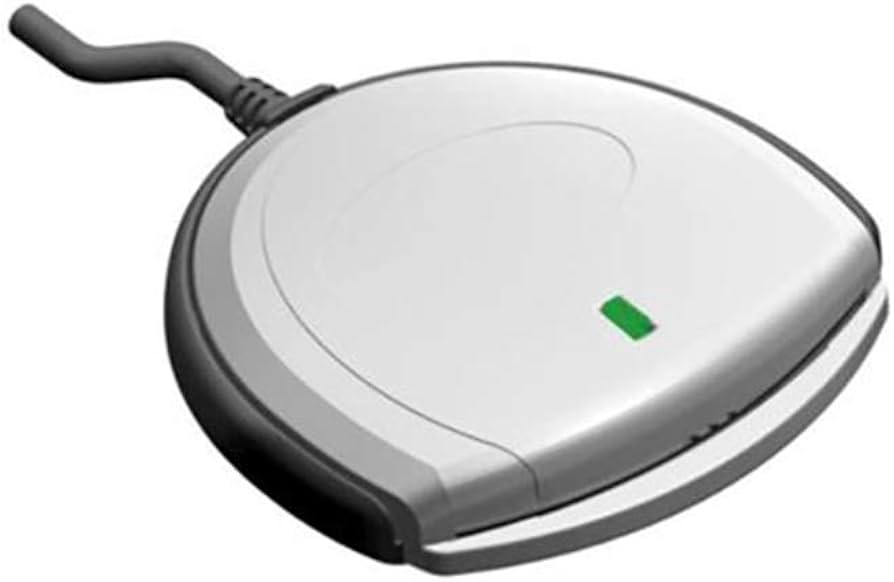
SCR3310v2.0: Average authentication time: 1.8 seconds. Consistent, no outliers. The workhorse does its job without drama.
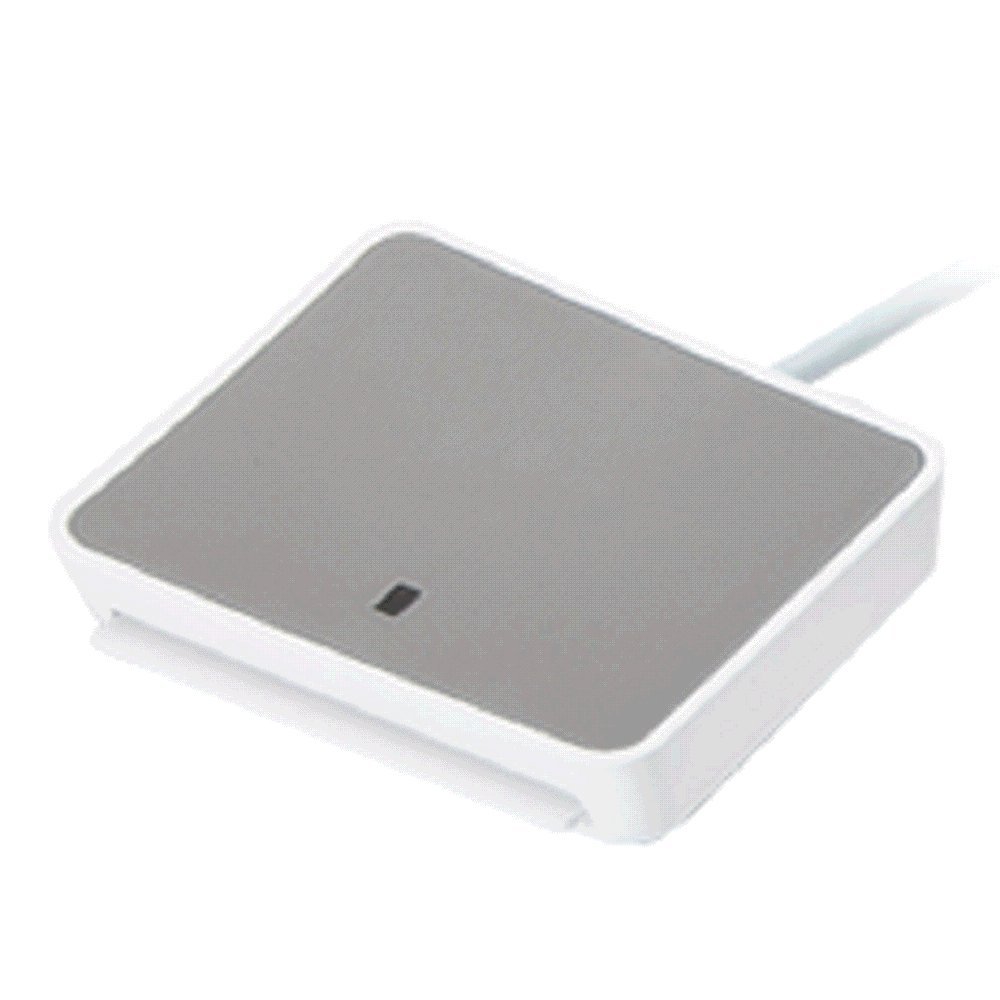
Identiv uTrust 2700 R: Average: 1.4 seconds. Noticeably faster than the SCR3310. The newer chipset makes a measurable difference.
HID OMNIKEY 3121: Average: 1.6 seconds. Middle of the pack. Reliable but not remarkable for speed.
ACS ACR39U-N1 (portable): Average: 2.1 seconds. Slower than the desktop models, which is expected for a portable reader. Still perfectly usable.
HID OMNIKEY 5422 (dual interface, contact mode): Average: 1.5 seconds. Good speed, and you get the contactless option as a bonus.
What Affects Reader Speed
That’s what makes understanding the full picture endearing to us performance nerds — the reader hardware is only part of the equation.
Probably should have led with this section, honestly. Your reader speed is affected by: the USB port type (USB 3.0 ports can initialize faster than 2.0), driver version (outdated drivers can add latency), the condition of your CAC’s contact chip (a scratched or dirty chip reads slower), and whether you’re going through a USB hub (each hub hop adds a tiny delay).
I’ve also found that the first authentication after plugging in a reader is always slower than subsequent ones. The system needs to enumerate the device, load drivers, and establish the smart card service connection. After that initial handshake, subsequent card reads are faster.
Speeding Up Your Reader
If you want the fastest possible CAC authentication, here’s what to do. Plug your reader directly into a USB port on the computer, not a hub. Use the latest drivers from the manufacturer. Keep your CAC’s gold chip clean — a quick wipe with a dry microfiber cloth works. And if you’re on Windows, make sure the Smart Card service is set to automatic startup so it’s not cold-starting every time you insert your card.
But honestly? If your current reader takes under 3 seconds to authenticate, you’re fine. Don’t spend money chasing speed improvements you’ll barely notice in daily use. Spend it on a backup reader instead.


Subscribe for Updates
Get the latest articles delivered to your inbox.
We respect your privacy. Unsubscribe anytime.