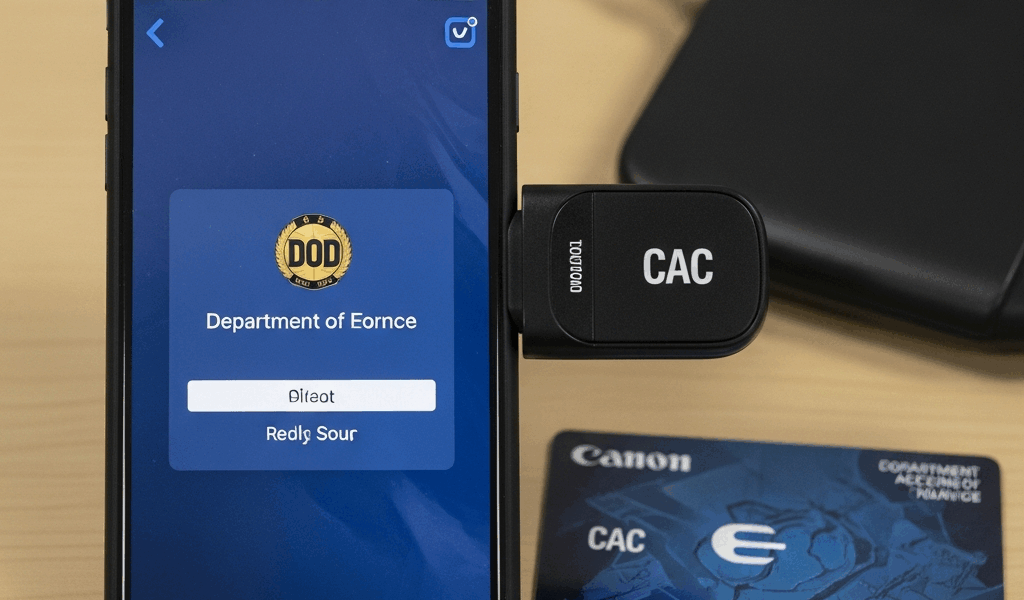
You need to check your DoD email or log into a .mil site from your phone, and you’re wondering which CAC reader actually works. The answer depends entirely on whether you’re on iPhone or Android — and the options are more different than you’d expect.
iPhone CAC Readers — Bluetooth Only
Here’s the hard truth that product listings don’t always make clear: iPhones do not support wired CAC readers. Apple’s iOS security model blocks external smart card readers from accessing the Lightning port or USB-C port for certificate-based authentication. No USB dongle, no Lightning adapter, no workaround.
The only way to use a CAC with an iPhone is through a Bluetooth smart card reader paired with a compatible app. Three readers currently work:
Thursby BLE-C (~$80-100): This is the most popular iPhone CAC reader in the military community, and for good reason. It pairs via Bluetooth, works with the Thursby PKard app (free download), and supports all standard CAC functions — DoD website login, OWA email access, and certificate-based authentication. Setup is straightforward: download PKard, pair the reader, insert your CAC, and configure your email settings through the app. PKard has been specifically developed for iOS CAC use and receives regular updates.
IDENTIV SCR3500C (~$80-100): Similar price range and capabilities to the Thursby. Uses the SCR Smart Card Reader app instead of PKard. Where IDENTIV has an edge: broader enterprise compatibility if your organization uses IDENTIV middleware on its desktop infrastructure. Where Thursby wins: better iOS-specific software polish and a larger user community for troubleshooting help.
HID Omnikey 6321 CLi: A contactless reader designed for CAC cards that have the contactless chip (newer PIV cards). If your CAC supports contactless, this reader is the most convenient option — no need to physically insert the card. If your CAC is contact-only (older cards), this reader won’t work for you.
The deciding factor between Thursby and IDENTIV usually comes down to which middleware your unit’s IT department supports. Ask your S6 or communications shop before buying — some organizations have a preferred vendor.
Best USB-C CAC Reader for Android 2026
Android has a significant advantage here: USB-C wired readers work. No Bluetooth pairing, no battery concerns, no connection drops. Plug the reader into your phone’s USB-C port, insert your CAC, and you’re connected.
ID Tech CAC Reader USB-C (~$30-50): Plug-and-play on most Android devices running Android 10 or later. No additional app required for basic .mil website access through Chrome. The most hassle-free option if your phone supports USB OTG.
Identiv SCR3310 with USB-C adapter (~$25-40 + adapter): The SCR3310 is the standard-issue desktop CAC reader for many DoD organizations. Pairing it with a USB-A to USB-C adapter gives you a reliable mobile setup, especially on Samsung Galaxy and Google Pixel devices. I’ve seen this combination work consistently on Galaxy S21 and later models.
HID OMNIKEY 3021 with OTG adapter (~$20-35 + adapter): Budget-friendly option that works well with Android devices supporting OTG. Compact form factor makes it practical for travel.
Critical check before buying: Your Android phone must support USB OTG (On-The-Go) for wired readers to function. Most modern Android phones do — Samsung Galaxy S21+, all Pixel phones, most OnePlus devices. Budget phones sometimes lack OTG support. Verify: go to Settings, then USB, and look for OTG support. Some devices require enabling it in Developer Options.
Setting Up Mobile CAC Access for Email and DoD Sites
iPhone with Thursby PKard: Open PKard, go to the mail configuration section, enter your OWA server URL (typically something like mail.mil or your branch-specific Outlook Web Access address). PKard handles the certificate negotiation — it will prompt for your CAC PIN during setup and again each time you check email. Safari works for most .mil websites; Chrome on iOS sometimes requires additional certificate configuration.
Android with USB-C reader: Chrome on Android handles CAC authentication natively once the reader is connected and DoD root certificates are installed. For OWA email, you can use the native Gmail app configured with your Exchange server settings or the Outlook app with CAC certificate import.
For both platforms: installing the DoD root certificates eliminates the certificate warning errors you’ll otherwise see on every .mil page. On iPhone, PKard has a built-in “Install Root Certificates” option in settings. On Android, download the DoD root certificate bundle and install through Settings, Security, Install Certificates.
Common Mobile CAC Problems and Fixes
Bluetooth reader pairs but CAC not detected (iPhone): Remove the CAC, reinsert it fully — the chip contacts need solid contact with the reader. If that doesn’t work, unpair the reader in Bluetooth settings, restart the reader, and pair again from scratch.
PKard shows certificate but OWA login fails: Delete and reimport your CAC certificates within PKard settings. Certificates sometimes need refreshing after a CAC renewal or middleware update.
Android USB reader detected but app won’t access CAC: Enable USB OTG in your phone’s developer settings. On some Android versions this isn’t automatic. Also verify the reader appears in the USB device list — pull down the notification shade and look for the USB device notification.
Certificate errors on .mil websites despite successful reader connection: DoD root certificates aren’t installed on the device. Use PKard’s certificate installer (iPhone) or manually install from the DoD certificate bundle (Android). This is the same step that trips people up on desktop, and it trips them up on mobile too.
PIN-locked CAC (3 incorrect attempts): No software fix exists for this — on any platform. You’ll need to visit a RAPIDS/DEERS ID card office to reset your PIN. This is the same whether you’re on desktop, iPhone, or Android.

Subscribe for Updates
Get the latest cac readers.com updates delivered to your inbox.
We respect your privacy. Unsubscribe anytime.