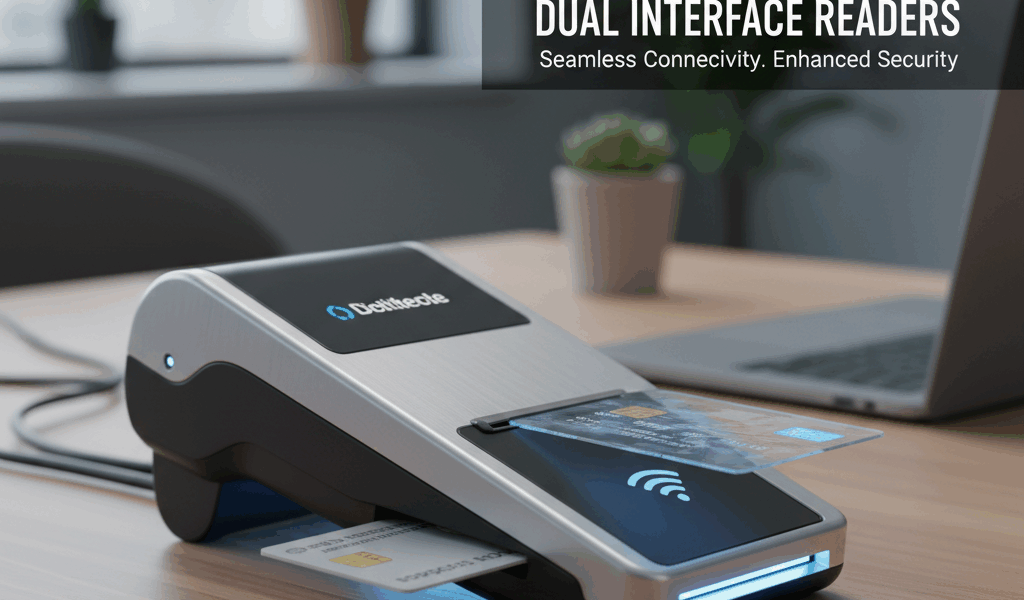
Dual interface CAC readers have gotten complicated with all the different models and specs flying around.
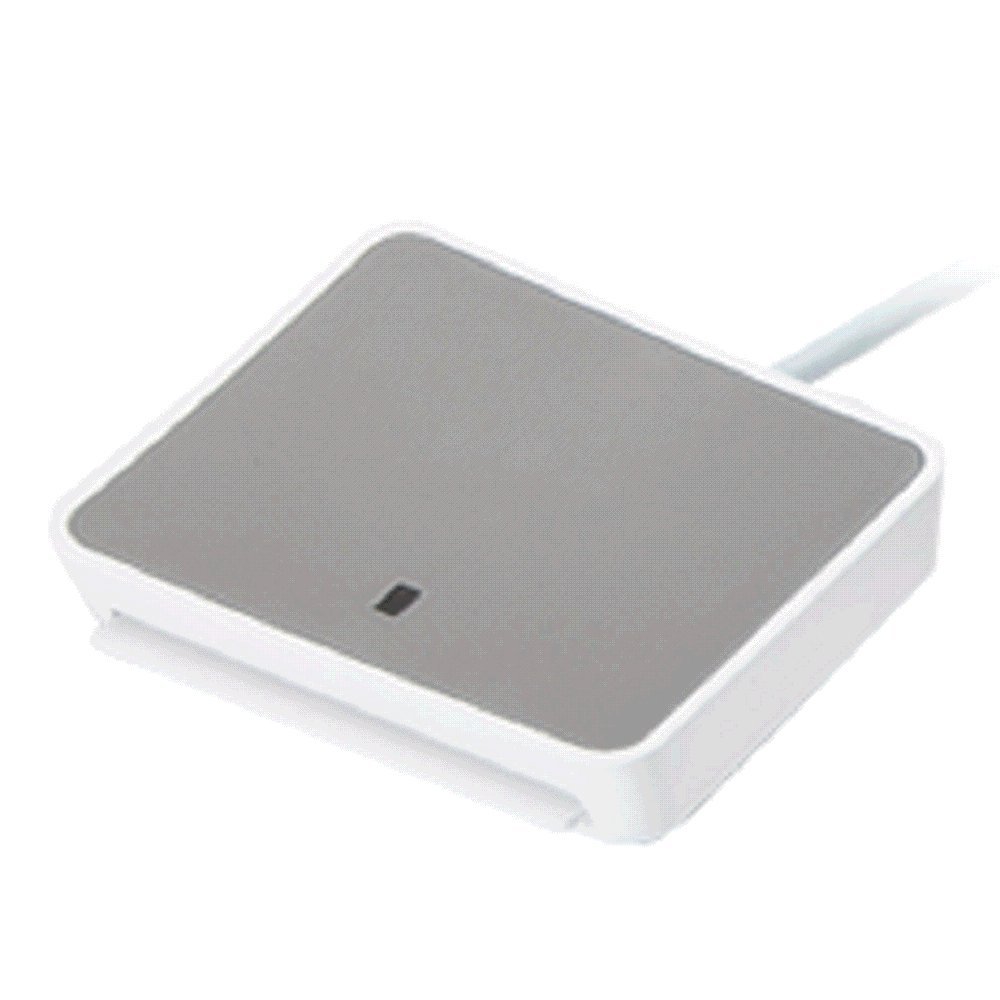
What Dual Interface Actually Means
A dual interface reader can handle both contact and contactless smart cards. Contact means you slide your CAC into a slot and the gold chip touches the reader’s pins. Contactless means you tap or hold the card near the reader and it communicates via NFC/RFID. A dual interface reader does both.
Now here’s the thing most people don’t realize. Your standard DoD CAC has both a contact chip and a contactless antenna built in. But — and this is a big but — most DoD systems only authenticate through the contact interface. The contactless side of your CAC is primarily used for physical access (building entry, gate access) rather than computer authentication. So before you spend extra money on a dual interface reader thinking you can just tap your card and log in, understand that your network might not support that workflow.
Best Dual Interface Readers for DoD Use
HID OMNIKEY 5422: This is probably the best dual interface reader I’ve personally used. It handles contact and contactless smoothly, it’s FIPS 201 compliant, and it works on Windows, Mac, and Linux. The build quality is solid and the drivers are stable. It’s more expensive than a basic contact-only reader (around $40-60 vs $15-25), but if you need both interfaces, it’s worth it.
Identiv uTrust 3700F: Another strong option. This one has a nice compact form factor and supports all the major contactless protocols (ISO 14443 A/B, ISO 15693). It’s a good pick if you’re working with PIV cards alongside CAC.
ACS ACR1281U-C1: Budget-friendly dual interface reader. It gets the job done but the drivers can be finicky on macOS. If you’re strictly a Windows user, it’s a reasonable choice for the price.
When You Actually Need Dual Interface
That’s what makes dual interface readers endearing to us IT shops that support mixed environments — one reader handles everything instead of needing separate devices.
You actually need dual interface if: you’re developing or testing CAC applications that use both interfaces, you work in a physical security role where you need to read contactless credentials AND do contact-based computer auth, or your organization is piloting derived credentials or mobile authentication that uses NFC.
Probably should have led with this section, honestly. For the average service member or government civilian who just needs to log into their computer and access DoD websites, a standard contact-only reader is all you need. Don’t overpay for features you won’t use.
Setup Considerations
Dual interface readers typically need the same CCID drivers as contact-only readers for the contact side. The contactless side might require additional middleware or drivers depending on what you’re trying to do with it. On Windows 10/11, most dual readers’ contact function works out of the box. The contactless side may need manufacturer-specific software.
One gotcha I’ve run into: some security policies on locked-down government machines disable NFC/contactless functionality at the driver level. So even if you plug in a dual interface reader, only the contact side might work. Check with your local cybersecurity team before purchasing if contactless capability is your main reason for going dual.


Subscribe for Updates
Get the latest cac readers.com updates delivered to your inbox.
We respect your privacy. Unsubscribe anytime.