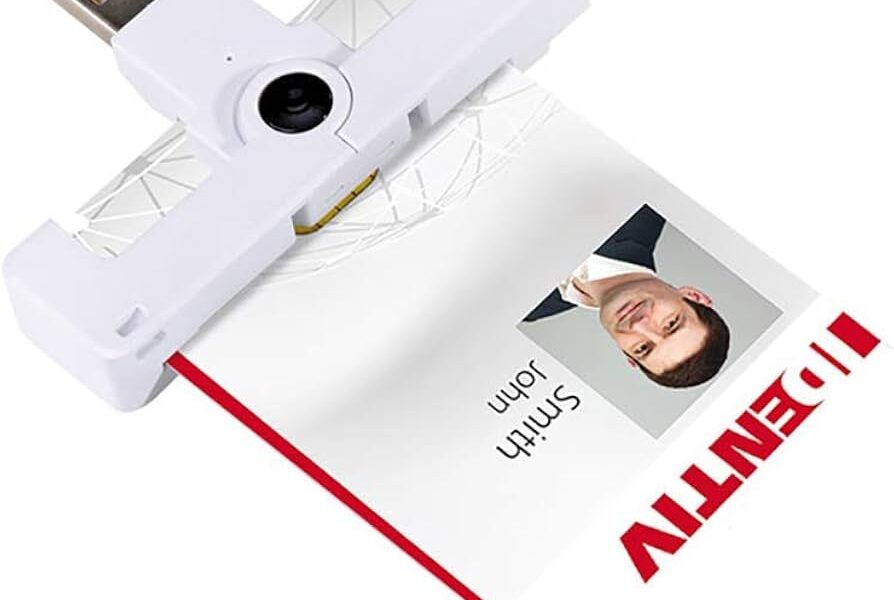
Multi-card readers that handle CAC, PIV, and other smart cards have gotten complicated with all the different protocols and card types flying around.
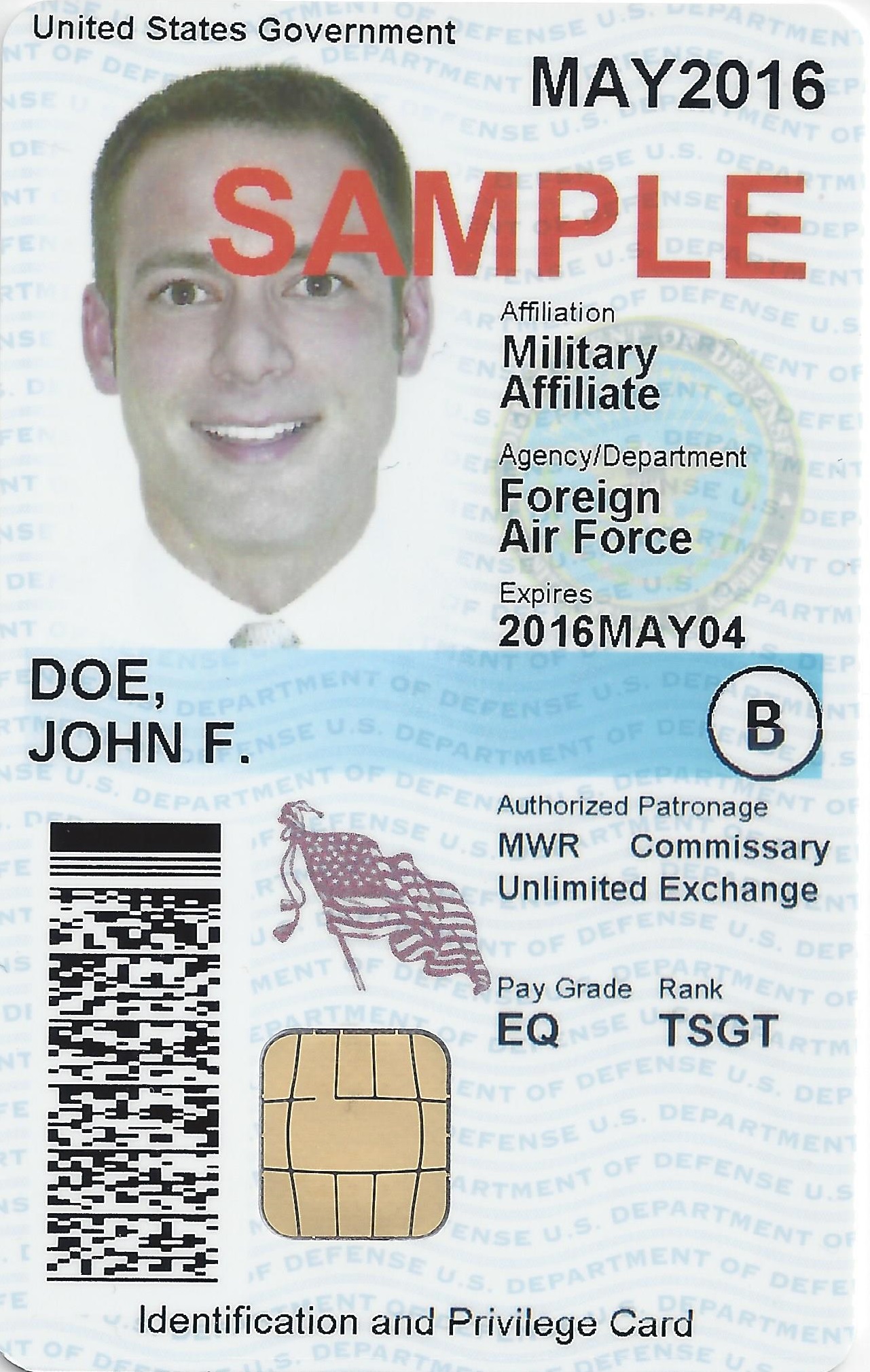
The Card Types You’ll Actually Encounter
CAC (Common Access Card): This is what every active duty, reserve, and DoD civilian carries. It’s got PKI certs for computer login and encryption, your photo and ID data, and a contactless chip for building access. The contact chip is what your reader talks to for authentication.
PIV (Personal Identity Verification): The federal civilian equivalent. DHS, DOE, NASA, and other non-DoD agencies issue these. They’re technically different from CAC but functionally similar enough that the same reader handles both. Same FIPS 201 standard, same basic PKI structure.
TWIC (Transportation Worker Identification Credential): TSA issues these to port workers and people who need unescorted access to maritime facilities. If you’re in a joint environment near a port, you might see these.
The good news? All of these cards follow ISO 7816 for contact communication. So any reader that speaks ISO 7816 — which is basically all of them — can physically read all these card types. The differences show up in the middleware and certificate handling, not the reader hardware.
Readers That Handle Everything
That’s what makes a good multi-card reader endearing to us IT shops — one piece of hardware covers every badge type that walks through the door.
Contact-Only Options
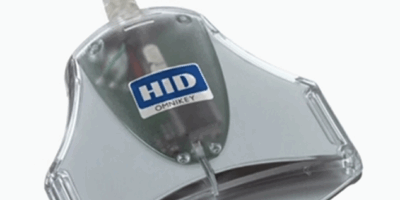
HID OMNIKEY 3121: CCID native, compact, handles CAC and PIV without breaking a sweat. Probably the most versatile contact reader on the market. Around $25-30.
Identiv SCR3310v2: The government workhorse. If it has a gold chip and follows ISO 7816, this reader will talk to it. $15-20 and available everywhere.
Gemalto IDBridge CT710: Has an extended compatibility list if you’re dealing with weird European eID cards or other international credentials. Good for joint environments with foreign partners.
Dual-Interface Options (Contact + Contactless)
HID OMNIKEY 5422: Does both contact and contactless in one unit. If you need to read the physical access chip on a CAC as well as the contact chip, this is your reader. $40-60 but worth it for physical security roles.
Identiv uTrust 4701 F: Supports dual NFC plus contact. Good for international card support.
How Multi-Card Reading Actually Works
Probably should have led with this section, honestly. The reader itself doesn’t “know” what kind of card you inserted. It just provides power to the chip and shuttles data back and forth using the ISO 7816 protocol. Your computer’s middleware — ActivClient, the Windows smart card service, OpenSC on Linux — is what interprets the card data and figures out which certificates to use.
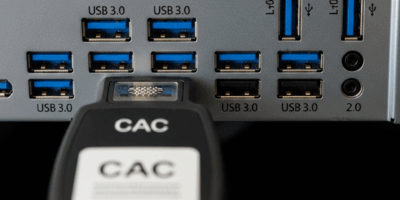
This means your driver setup is the same regardless of card type. A CCID reader with built-in Windows drivers handles CAC, PIV, TWIC, and anything else ISO 7816 without any changes on the reader side.
Where things get card-specific is in the middleware layer. CAC typically uses ActivClient or Windows native smart card support. PIV usually works with the same middleware since it follows the same FIPS 201 applet structure. TWIC might need its own software depending on what you’re authenticating to. But the reader? The reader doesn’t care. It just reads.
Common Multi-Card Scenarios
Federal contractors: You might carry a CAC for DoD network access, a PIV for a civilian agency you also support, and your company’s corporate badge. One multi-card reader at your desk handles all three. Just swap cards when you need to switch contexts.
Help desk techs: When someone walks up with a card problem, you need to read whatever they hand you. A multi-card reader means you don’t need a different device for every card type. Plug their card in, run the diagnostics, figure out what’s wrong.
Joint environments: Bases that host both DoD and federal civilian agencies have people with different card types all using shared resources. Standardizing on a multi-card reader means one procurement action covers everyone.
Troubleshooting Tips
“Card Not Recognized” usually means the middleware, not the reader. Check that the right smart card module is installed for that card type. If a CAC works but a PIV doesn’t in the same reader, the reader is fine — look at your middleware config.
“Wrong Certificate Presented” happens when you switch between cards without clearing the certificate cache. Pull the old card, close your browser completely, insert the new card, and reopen the browser. Some applications cache the last certificate aggressively.
If the contactless side of a dual-interface reader isn’t working, verify that contactless drivers and firmware are installed separately from the contact drivers. Some models treat them as separate devices. Also, hold the card steady within about 1-2 inches — contactless is less forgiving of distance than people expect.

Subscribe for Updates
Get the latest cac readers.com updates delivered to your inbox.
We respect your privacy. Unsubscribe anytime.